DraftSight Blog

DraftSight clean start

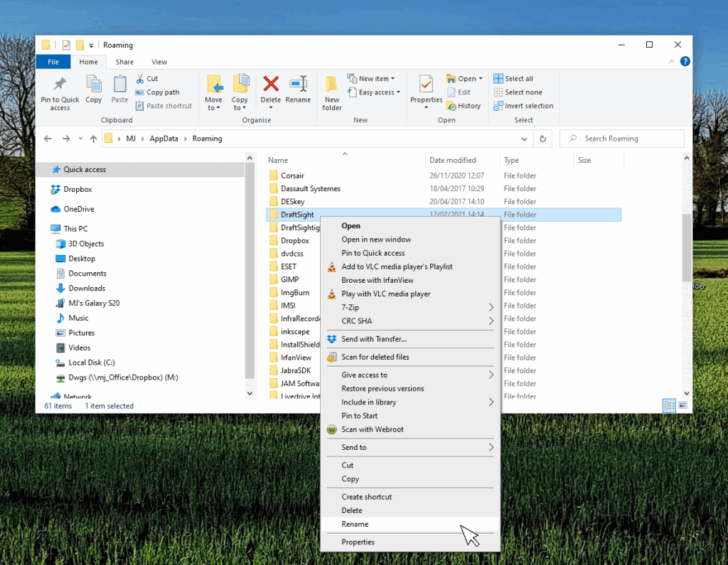
When DraftSight Needs a Fresh Start: How to Reset to Default Settings

By DraftSight February 4, 2026
Share this...
Share on facebook
Facebook
Share on pinterest
Pinterest
Share on twitter
Twitter
Share on linkedin
Linkedin
When DraftSight Needs a Fresh Start: How to Reset to Default Settings

Learn how to reset DraftSight to default settings on Windows and macOS to fix profile issues, UI problems, and corrupted configurations without reinstalling.

Follow us

  • Facebook
  • Twitter
  • YouTube
  • LinkedIn

Search

Select Category

Recent Posts

  • When DraftSight Needs a Fresh Start: How to Reset to Default Settings
  • DraftSight Migration Guide Blog
  • DWG Rescue: Bringing Problem DWG Files Back into Working Order
  • Available Now: DraftSight 2026
  • DraftSight Premium for the Price of DraftSight Professional

Archives